A game by Vexo Games · Color-sorting puzzle
Color Quest: Ball Sort Puzzle
Color Quest: Ball Sort Puzzle is a color sorting puzzle game you can play in your browser, with an Android version coming to Google Play. Tap a tube, tap another, and pour matching colors together until every tube is sealed. Play through 75 hand-tuned levels across three worlds, or take on a fresh daily puzzle.
Free to play online · No account · How to play · Android version: coming soon
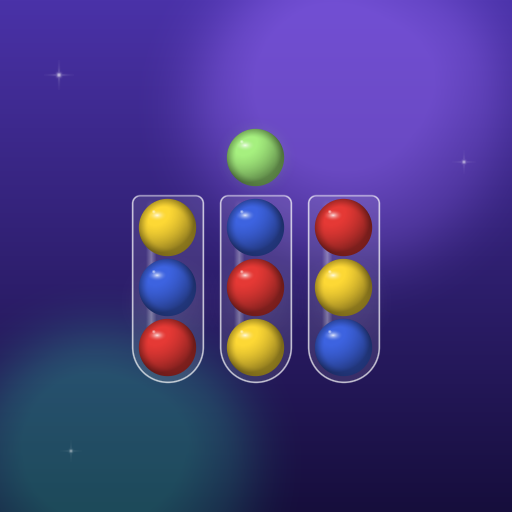
Color sorting puzzle game
How to play
Easy to learn, satisfying to master
Color Quest is a ball sort puzzle game: move balls between glass tubes until every color is together. Simple rules, a growing set of twists.
How to play Color Quest
- 1
Tap a tube
Select the tube you want to pour from. Its top balls lift up.
- 2
Tap another tube
Pour onto an empty tube, or onto one whose top color matches.
- 3
Fill and seal
Each tube holds up to four balls. Gather four of one color and the tube seals.
- 4
Clear the level
You win when every tube is either empty or sealed. Undo any move if you slip.
Features
What’s inside
A calm, polished color sorting game for your browser, with an Android version on the way, built to be played in short sessions.
Features of Color Quest
75 levels, 3 worlds
Meadow, Tidepools and Lantern Forest, each with 25 levels and a boss level at the end.
Shelled balls
In Tidepools, shells hide a ball’s color until you uncover or pour it.
Locked tubes
In Lantern Forest, a locked tube opens once its key color is complete.
Daily puzzle
A new puzzle each day, with a coin reward for completing it and a result you can share.
Stars and par
Finish within par moves for three stars. Replay any level to improve.
Undo and restart
Take back your last moves or restart a level whenever you like.
Hints
Free hints to start. When you run out, spend coins or choose to watch an optional video.
Ball styles
Four ball styles to collect: Classic, Matte, Candy and Marble, earned or bought with in-game coins.
Play your way
Optional color symbols on every ball, reduced motion, and toggles for music, effects and vibration.
Saved locally
No account needed. Progress is stored on your own device: in this browser for the web version, on your phone for Android. It does not sync between them.
Runs on your device
The puzzles are solved by the game itself, not a server. The browser version needs a connection to load, and Android needs one only for optional hint videos.
Screenshots
A look at the game
Screenshots
Placeholder
Gameplay screenshots are on the way
The artwork shown here is an illustration, not a screenshot. Real in-game images will appear in this section once the game is published.
FAQ
Frequently asked questions
Frequently asked questions
How do I play Color Quest: Ball Sort Puzzle?
Does the game save my progress?
Are rewarded ads optional?
Which devices is it for?
How do I report a problem?
Where can I read the privacy policy?
Privacy policy
See how the game, its browser storage and its Android advertising partners handle information.
Read the privacy policy